
Printing guide
How to print a travel planner PDF at the right size
Choose your planner's paper size, check print scaling and test one page before printing the full PDF. A practical guide for Letter, A4 and A5 files.
Match the PDF to the paper in your printer
Download and extract the purchased ZIP before opening the PDF. Choose the file labeled for the paper you have: US Letter, A4 or A5, if that size is included with your purchase. These are alternative sizes, not extra sets of different worksheets.
Start with Letter or A4 when handwriting room matters most. A5 makes a smaller packet, but leaves less physical space for writing. Check that your printer supports the selected paper size before loading it.
Print one worksheet before the whole file
Open the PDF in a PDF reader, select the matching paper size and start with Actual Size or 100% scaling. Choose one worksheet with lines and boxes rather than testing only the cover. Print that page and check every edge, the smallest labels and the room available for handwriting.
Printer controls vary. If an edge is clipped, check the paper size, orientation and supported printable area first. A Fit setting can bring the page inside your printer's margins, but it also shrinks the worksheet. Compare the test page before committing to the full document.
- Select the intended paper size in both the file and print settings.
- Use portrait orientation for portrait worksheets.
- Check that all four sides of the page are visible.
- Test writing on the page with the pen you plan to use.
Make a packet, not a stack of unused pages
Print your overview, itinerary and other pages you expect to use first. Add repeated copies of daily schedules, packing lists or expense records as needed. A simple folder works when you want to move pages around without printing another complete planner.
If you choose double-sided printing, test the flip direction with two pages before sending the entire job. Leave room for any hole punching or binding you intend to add. Keep the original PDF so you can reprint pages for your own personal use.
Know the difference between a printable and a fillable PDF
A printable PDF preserves the page layout for printing. It does not automatically include fields you can type into. A compatible annotation app may let you add handwriting or text over the page, but that is different from an editable template or a fillable form.
Read the individual product description for the supplied file types and sizes. For help with a North Bound purchase, contact the shop through Etsy with the file name, printer paper size and a description of the issue. Do not send private travel or medical details in a troubleshooting screenshot.
Put the guide into practice
Related printable planners
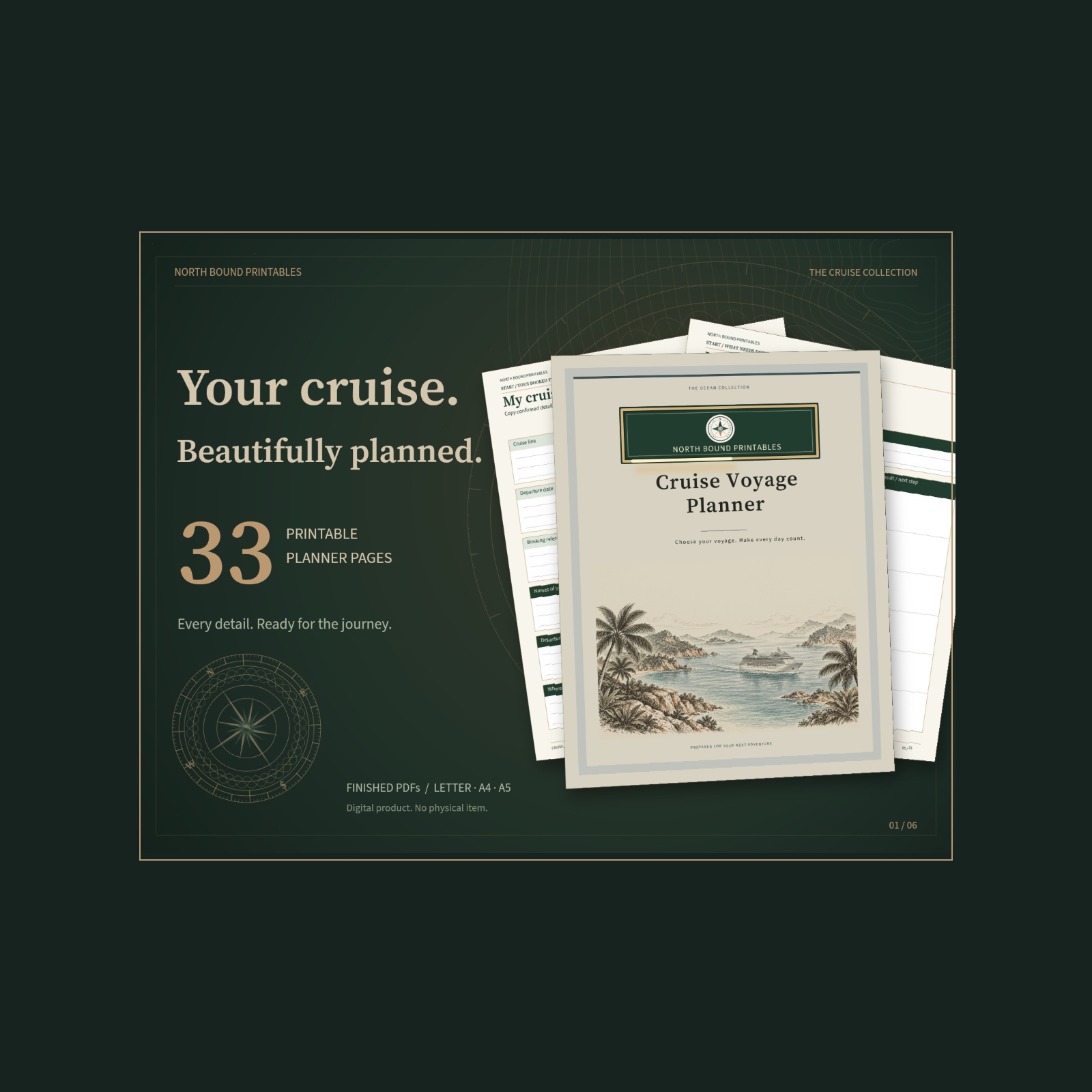
Cruises
Cruise Voyage Planner
33 guided pages for choosing your cruise, planning port days, budgeting and packing with confidence.
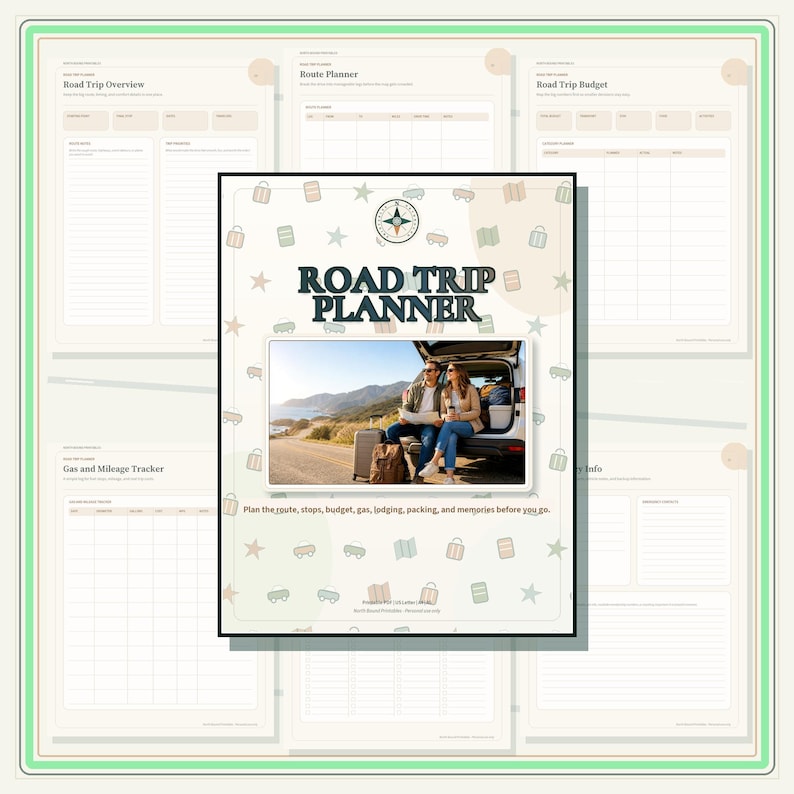
Road Trips
Road Trip Planner
Route legs, gas and mileage, lodging and daily drive logs across 18 pages.
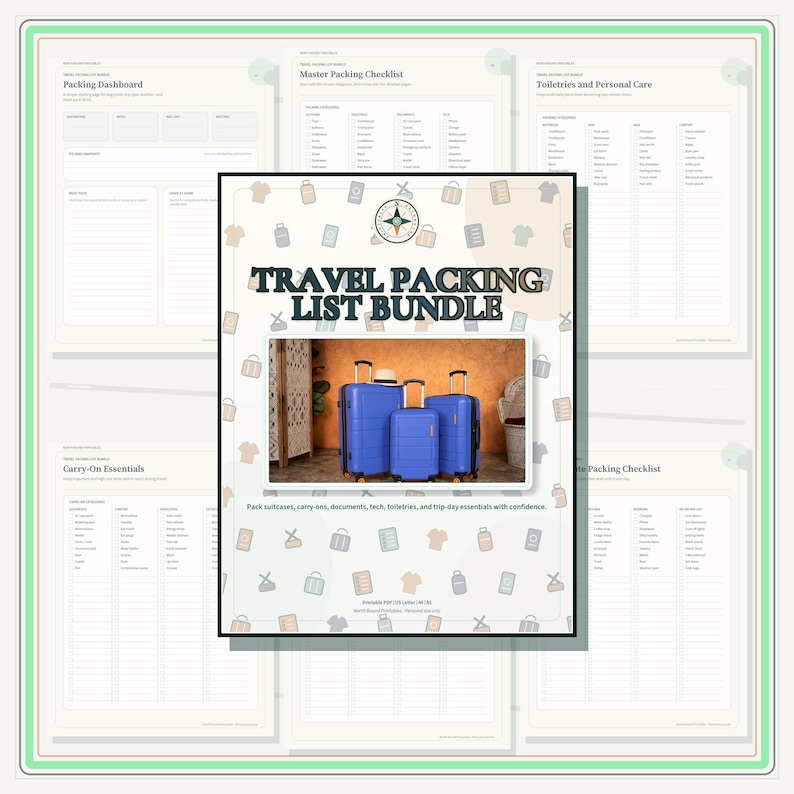
Packing Lists
Travel Packing List Bundle
A full set of packing checklists for every kind of trip, 26 pages.